
Your files are not parked in an intermediary cloud drive before delivery.
Two ways to send
Transfer
Move files the way that fits the job — direct between two computers with a free app, or hosted in the cloud from any browser.

Free and open source
OrbiTransfer
Move big files without putting them in somebody else's storage.
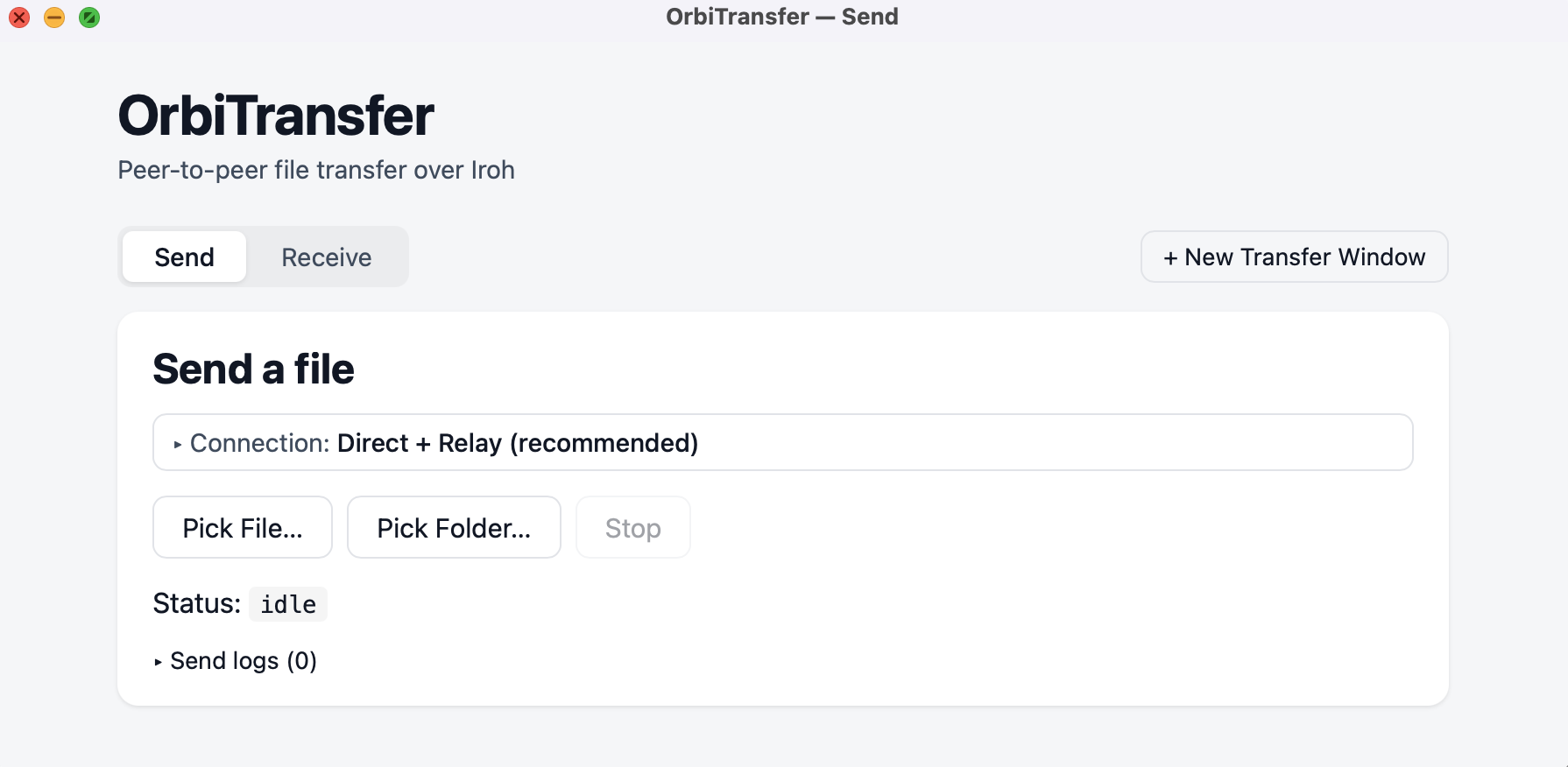
OrbiTransfer sends files and folders from one computer to another. Choose what you want to send, share a simple code or transfer ticket, and the other person can receive it with OrbiTransfer.
Version 0.2.0 · September 18, 2026 · MIT licensed
BLAKE3 integrity checking catches damaged or incomplete data.
Interrupted transfers can resume instead of starting over from zero.
How it works
Send it in three steps.
OrbiTransfer tries to establish a direct peer-to-peer path. When networks or firewalls get in the way, an encrypted Iroh relay can help the two computers connect without becoming a storage destination for your files.
Pick a file or folder
Select the material you want to send. OrbiTransfer prepares it and keeps the original data intact.
Send the connection details
Give the recipient a simple four-word code or a complete transfer ticket.
Save it locally
The recipient chooses a destination. OrbiTransfer transfers, verifies, and can resume if interrupted.
Download
Choose your version.
OrbiTransfer is free. Register your email once, optionally tell us what you think, and the current downloads will appear below.
Install with confidence
Open code. Verifiable files.
The macOS download is signed and notarized. On Windows or Linux, your operating system may ask you to confirm an app downloaded from the internet. Use the SHA-256 values above to verify that your installer matches the published release.
OrbiTransfer is released under the MIT license. Developers and security-minded users can inspect the source, build it themselves, or report an issue publicly.
Hosted · Browser-based
Waystation
A cloud transfer, ready the moment you open a tab.
Waystation runs entirely in the browser — nothing to install, on either end. Add your files, share a link, and your recipient downloads directly. Add a password when a transfer needs an extra layer of control.
orbitolive.com/waystation · runs in your browser
Open a link in any browser. Nothing to download to send or receive.
Protect a transfer with a password only your recipient knows.
BLAKE3 hashing checks every file's integrity as it moves.
How it works
Send it in three steps.
Waystation defaults to a straightforward Transfer mode. Switch to Transfer + QC inside the app when a delivery needs review notes and a shared manifest alongside the files.
Drop in your files
Select one or more files from the Waystation tab in your browser — no account needed to start.
Send the link
Copy the generated link and send it however you'd share any other link, with a password if you chose one.
Recipient opens it
They open the link in any browser and download directly — no app required on their end either.
Ready
Open Waystation.
Waystation lives at orbitolive.com/waystation.
Launch it whenever you're ready to send.
Launch Waystation
Opens in this tab · no registration required
Built for large media
Not just any file-sharing link.
Large transfers go straight to secure cloud storage instead of being queued through extra middle steps. Every transfer gets its own private link.
Prefer to keep files off any cloud storage entirely? Use the Peer-to-Peer tab instead — OrbiTransfer sends directly between two computers.